
Sotto
Talk to type. Or say what to do.
How it works

01
Tap
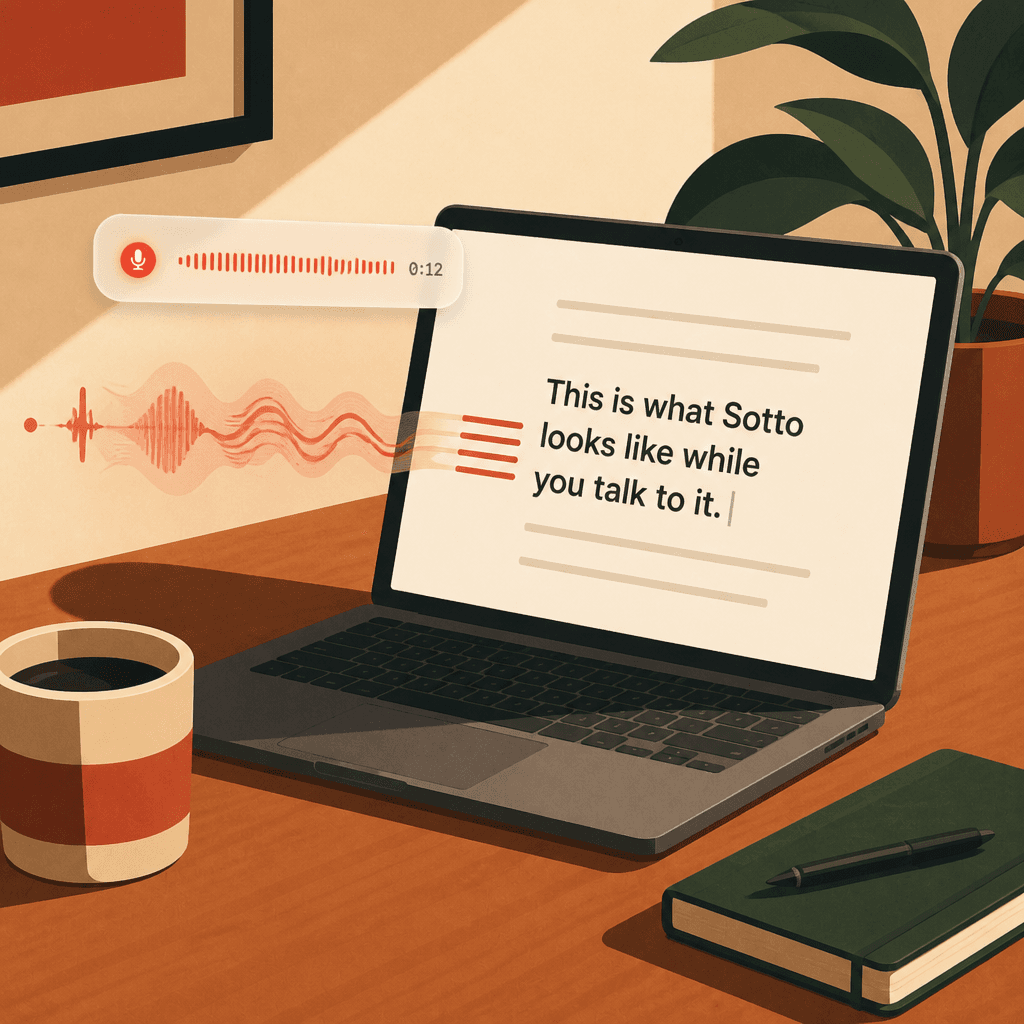
Double-tap Left Shift to type by voice, Right Shift to pick any box on screen, or Left Control to give Sotto a task.

02
Speak
Say what you want typed, or what you want done. Sotto listens locally on your Mac and stays out of the way.
03
Done
Your words land in the field, or Sotto clicks and types through the task for you. Enhance mode tidies rambling thoughts on the way.
Whisper runs entirely on your Mac, so phrases stay private.
What it is
- Dictation runs locally.
- No mouse needed.
- Any field becomes voice input.
- Enhance mode.
- Do It mode.
- Purely free.
Hold a key, talk, and the words appear in whatever box you were already typing in. Claude, Slack, a browser field, a terminal. Or say what you want done, and Sotto clicks and types through it for you.
Do It mode
Say it. Sotto does it.
Double-tap Left Control, say what you want done, and Sotto works through it on your Mac. It looks at the screen, plans the next steps, and clicks and types across apps.
- 01
Double-tap Left Control and speak, or pick Do It… from the menu bar and type.
- 02
Sotto reads the screen, plans the next few steps, and does them. It opens apps, clicks, types, and drags.
- 03
It checks the result after each step. It asks you before it runs a Terminal command, and whenever it is unsure. You can stop it at any time.
Do It is on from the first launch, and you can turn it off in Settings. It needs a sign-in plus Screen Recording and Accessibility. Each step sends a screenshot to Sotto's server so the model can plan. Dictation never sends audio anywhere.

In the world
Quiet where you are. Loud only to your Mac.
Product
Scroll →
Ready to try Sotto?
Free for Mac. Drag into Applications and you are set.